

Why Temperature Control Sits at the Center of Every HACCP Plan
Temperature abuse remains one of the most common root causes of foodborne illness investigations. A single refrigeration unit drifting above safe limits for a few hours overnight can push an entire batch of product into the danger zone before any staff member notices. This is why food temperature monitoring is not treated as an optional add-on in a HACCP plan, but as a foundational control measure that ties directly to critical limits, corrective actions, and verification records.
Manual logging, where a staff member walks the facility with a clipboard every few hours, has long been the default approach. It is inexpensive to start but structurally weak: readings are taken at single points in time, human error and rounding are common, and there is no record of what happened between checks. Automated systems close that gap by recording continuously, storing every reading, and triggering alerts the moment a limit is crossed, rather than waiting for the next scheduled walk-through.
A facility that checks temperature four times a day only has visibility into roughly 5 percent of the day. Continuous monitoring extends that visibility to effectively all of it.
Identifying Critical Control Points for Temperature in Food Operations
Under most food safety standards, a critical control point (CCP) is any step where a control can be applied to prevent, eliminate, or reduce a hazard to an acceptable level. Temperature-related CCPs typically appear at four stages of the supply chain: receiving, storage, processing, and holding or display.
| Process Step | Primary Hazard | Typical Critical Limit | Monitoring Frequency |
|---|---|---|---|
| Receiving refrigerated goods | Bacterial growth | 0 to 5 degrees C | Every delivery |
| Cold storage holding | Bacterial growth | 0 to 4 degrees C | Continuous |
| Frozen storage | Quality loss, thaw risk | -18 degrees C or lower | Continuous |
| Hot holding for service | Bacterial growth | 60 degrees C or higher | Every 2 hours |
Documenting these limits is only half the requirement. Auditors also expect evidence of what happens when a limit is breached, how quickly staff were notified, and what corrective action was logged. This is where automated logbooks replace paper forms, since every excursion is timestamped automatically and cannot be back-filled after the fact.
Core Components of a Modern Cold Chain Monitoring System
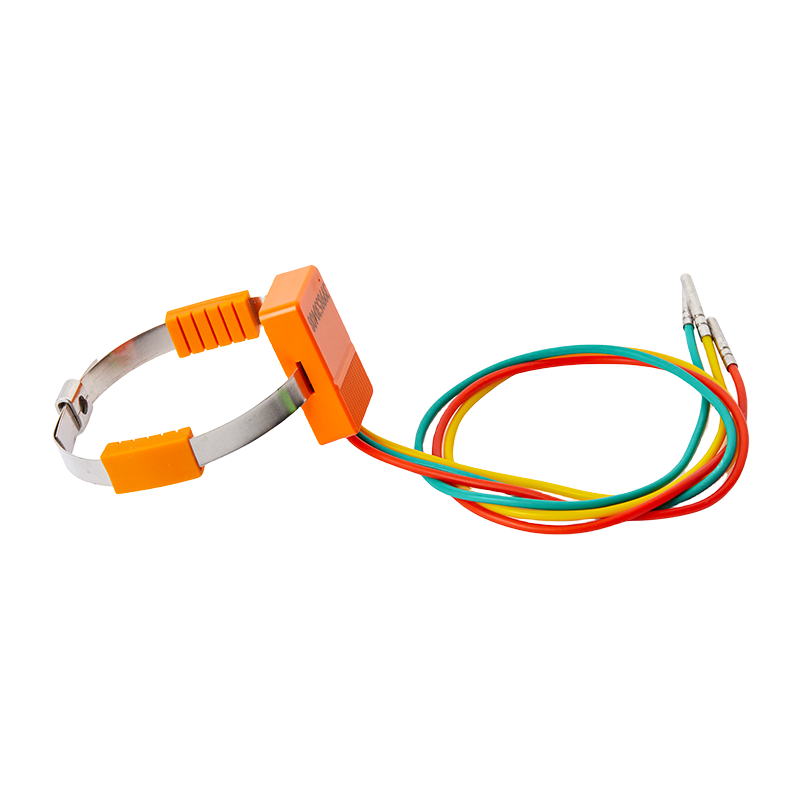
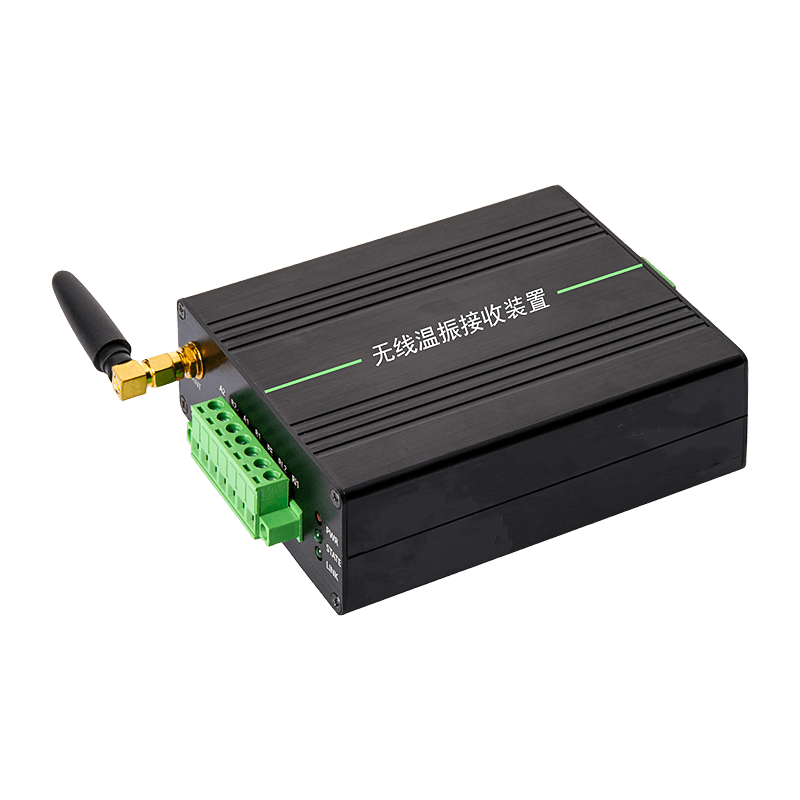
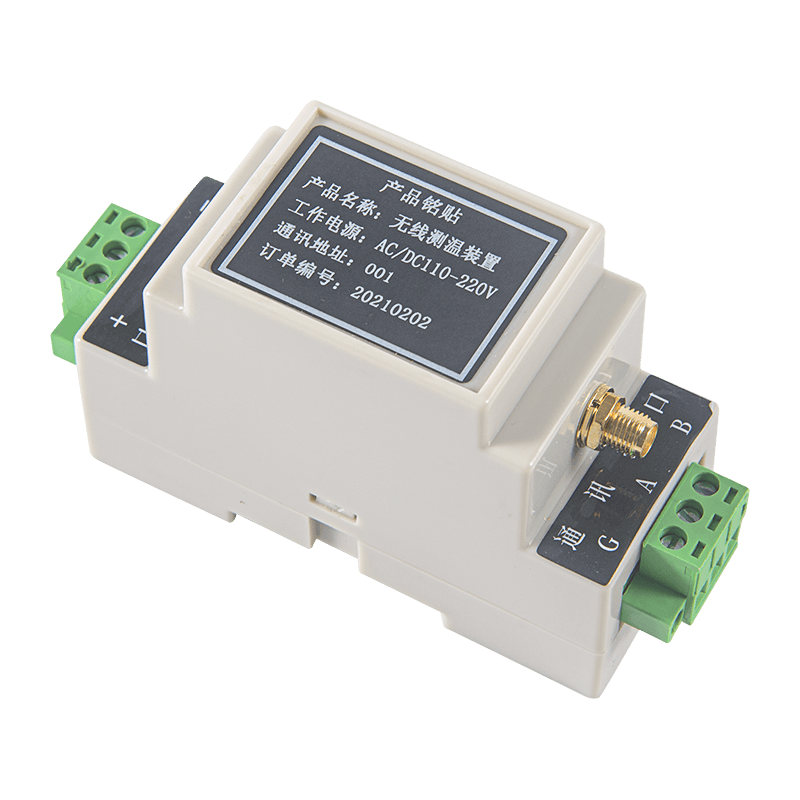
A functional monitoring setup for cold chain monitoring devices generally combines three layers: sensors that capture readings, a local hub or touchscreen unit that aggregates and displays data on site, and a cloud platform that stores history and pushes alerts.
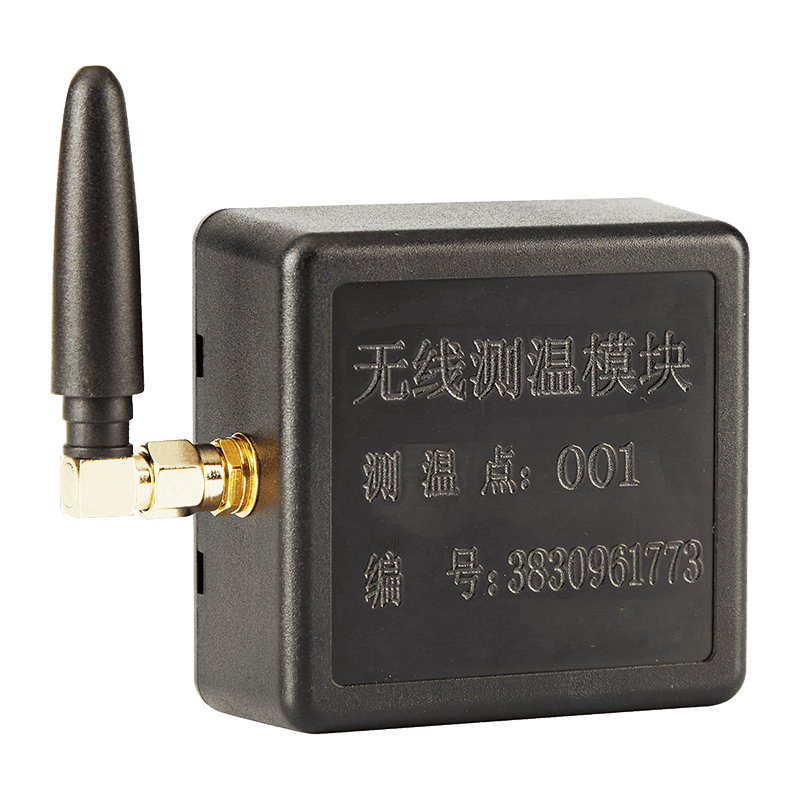
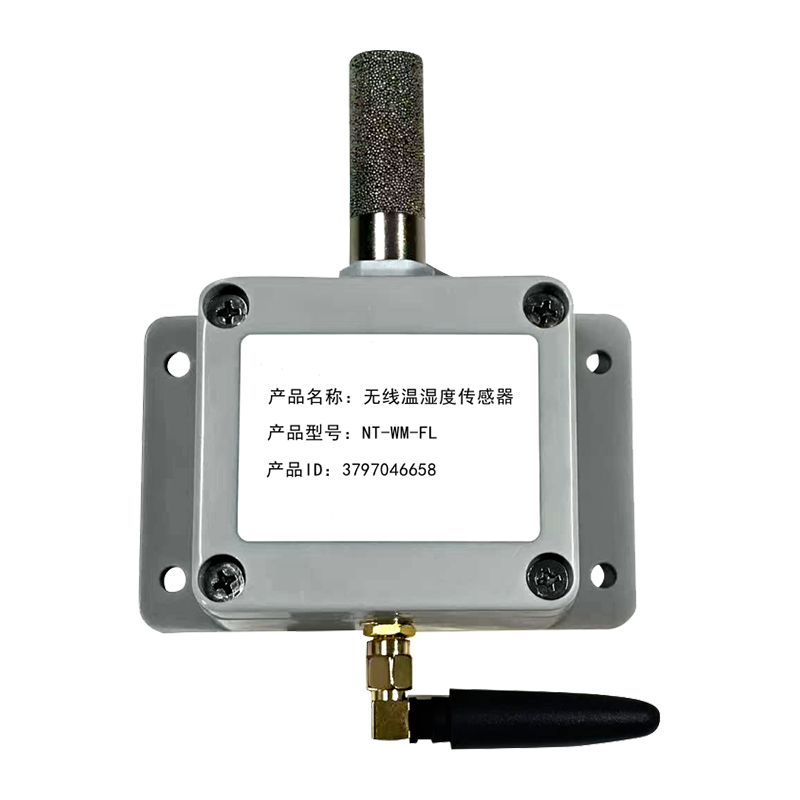
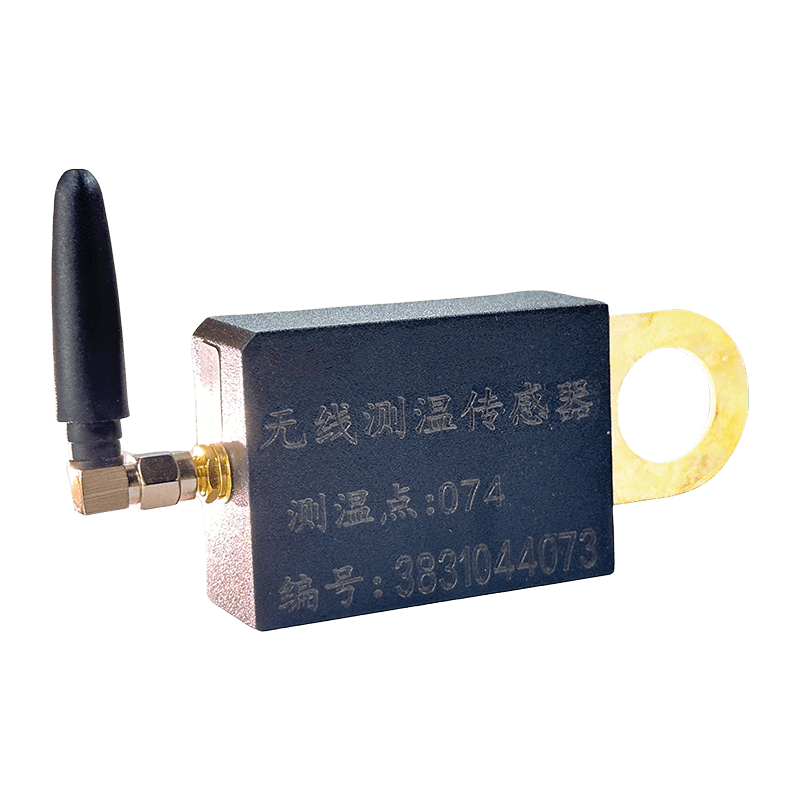
- Wireless sensors placed inside each refrigerator, freezer, or storage room
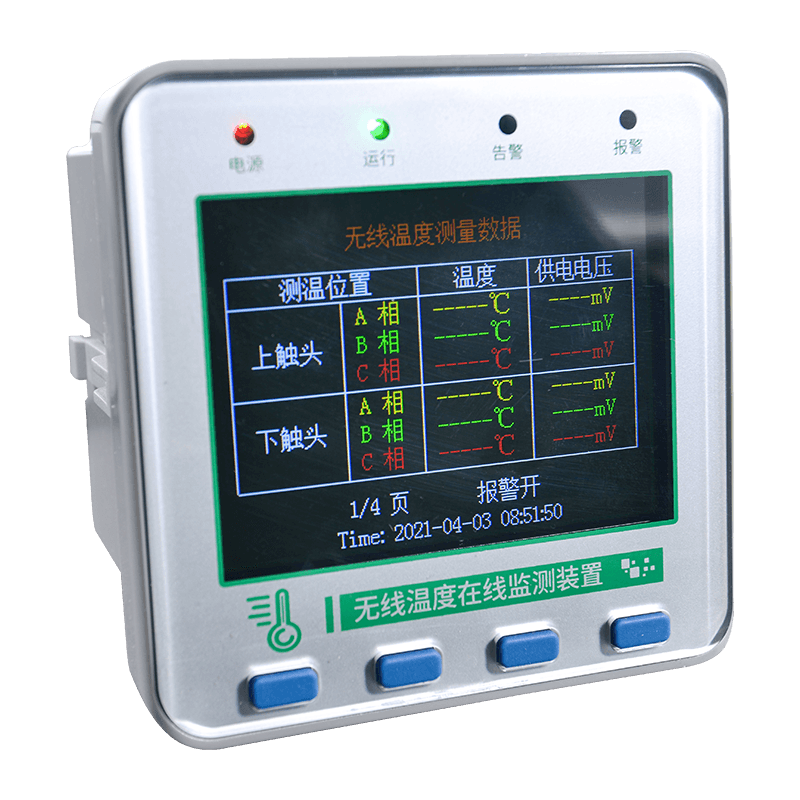
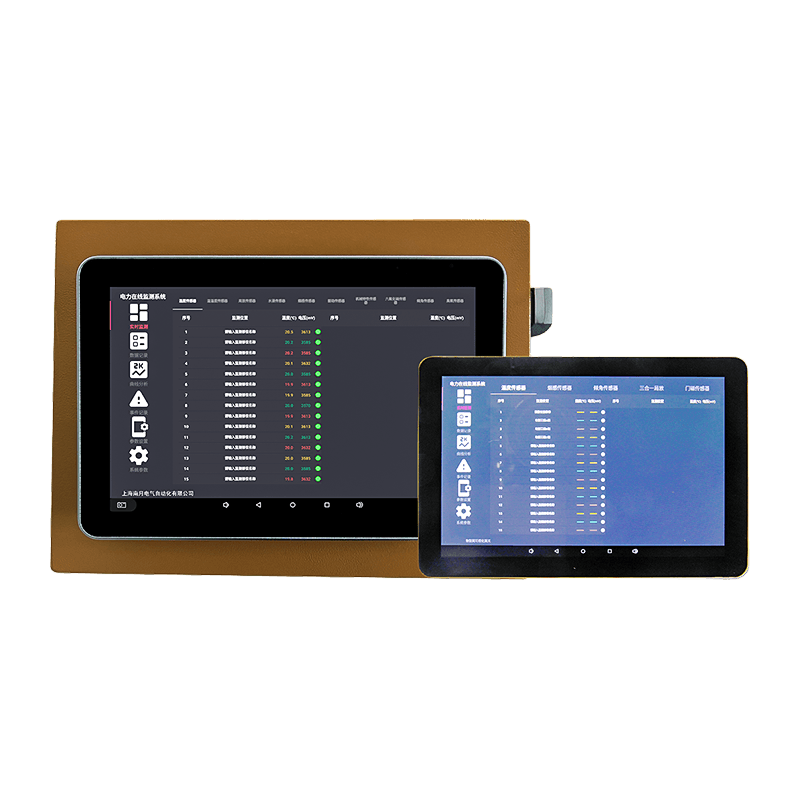
- A central touchscreen host that displays live readings across every connected zone
- Cloud-based monitoring software for historical trends and exportable audit reports
- Remote alerts sent by text message, app notification, or email when limits are exceeded
The on-site host is often the piece staff interact with most, since it gives a floor manager a single screen showing every monitored unit at once rather than requiring a separate check of each fridge door. A well-designed 10-inch wireless temp measurement touchscreen unit typically shows current readings, trend graphs, and active alarms for multiple zones simultaneously, which shortens the time between a problem occurring and a person responding to it.
How Wireless Temperature Sensors Communicate Data
A Wireless Temperature Sensor sits inside the storage unit and reports readings at a set interval, commonly every one to five minutes. Because the sensor is battery powered and uses a low-power wireless protocol, it can be placed without drilling holes for cabling or worrying about condensation reaching an exposed wire.
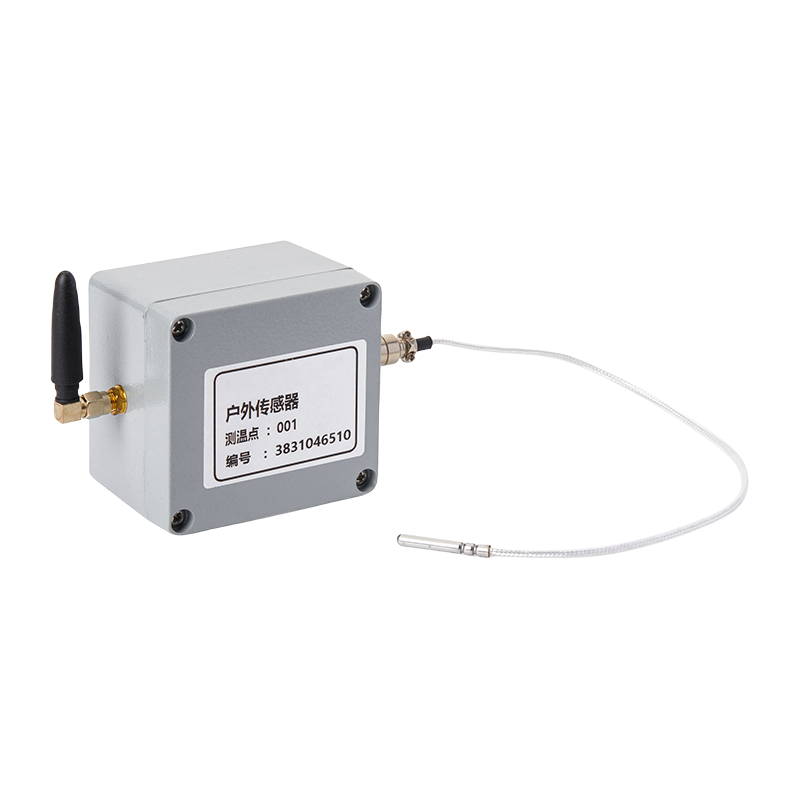
The data path from sensor to notification generally follows four stages, shown below.
This same architecture supports both single-location kitchens and multi-site distribution networks, since additional sensors and hubs simply add more data points into the same cloud dashboard rather than requiring a separate system per location.
Vaccine Freezer Temperature Range and Other Storage Benchmarks
Different product categories carry different tolerances, and mixing them into one blanket limit is a common source of failed audits.
| Category | Standard Range | Typical Excursion Risk |
|---|---|---|
| Refrigerated food | 0 to 4 degrees C | Door left open, overloading |
| Frozen food | -18 degrees C or lower | Defrost cycle malfunction |
| Vaccine or pharmaceutical storage | 2 to 8 degrees C | Power interruption |
| Dry storage | 10 to 21 degrees C | Humidity or ambient heat |
Because a vaccine freezer temperature range is narrower and the consequences of an excursion are more serious than with most food products, facilities that store both categories often configure separate alert thresholds and separate escalation contacts for pharmaceutical units, even when both run on the same monitoring platform.
What to Look for in a Fridge Temperature Monitoring System
Not every monitoring setup is built the same way, and the differences matter once a facility scales past one or two units. The checklist below covers the points worth confirming before committing to a system.
- Sensor battery life long enough to avoid frequent replacement
- Wireless range sufficient for walk-in coolers and remote storage rooms
- Configurable alert thresholds per zone or product category
- Data retention long enough to satisfy local food storage regulations
- Exportable reports formatted for third-party audits
- Backup connectivity in case the primary network drops
A dependable fridge temperature monitoring system should also be simple enough that new staff can interpret an alert without training, since the value of remote alerts drops sharply if the person receiving them cannot act on the information quickly.
Implementing Continuous Logging Without Disrupting Daily Operations
HACCP implementation projects tend to stall when a monitoring rollout is treated as a single big-bang event. A phased approach spreads the change across weeks rather than days and gives staff time to trust the new alerts before manual checks are retired.
Running the automated system alongside manual checks for two to three weeks lets a team confirm the sensor data matches reality before manual logs are fully phased out.
- Week 1: Install sensors in highest-risk units first, such as receiving coolers
- Week 2: Add remaining storage zones and configure alert contacts
- Week 3: Run automated and manual logs in parallel to validate accuracy
- Week 4: Retire manual paper logs for covered zones and archive baseline data
This staged rollout also gives management time to review early alert history, which often reveals recurring issues, such as a door gasket failing intermittently, that manual spot checks had missed entirely.
Turning Monitoring Data into HACCP Audit Readiness
Collecting data is only useful if it can be retrieved quickly during an inspection. Auditors typically ask for three things: proof of continuous coverage, evidence of corrective action on any excursion, and a record showing equipment was calibrated and functioning correctly.
| Audit Requirement | What Automated Systems Provide |
|---|---|
| Continuous coverage | Uninterrupted time-stamped readings for every zone |
| Corrective action trail | Alert timestamp paired with staff response log |
| Equipment verification | Sensor calibration and connectivity status history |
Facilities that keep this data organized in one cloud-based monitoring platform generally spend far less time preparing for inspections, since reports can be filtered and exported for a specific date range rather than assembled manually from paper binders.
Frequently Asked Questions
Q1: Is automated temperature monitoring required under every HACCP plan?
HACCP itself does not mandate a specific technology, but it does require documented, verifiable monitoring at every identified critical control point. Automated systems are widely adopted because they satisfy that requirement more reliably than manual checks.
Q2: How often should a wireless sensor report a reading?
Most food storage applications use an interval between one and five minutes, which is frequent enough to catch a door left open or a compressor failure well before product quality is affected.
Q3: What happens if the wireless network goes down?
Reliable systems buffer readings locally on the sensor or hub and sync the backlog once connectivity returns, so short outages do not create a gap in the compliance record.
Q4: Can one system monitor both food storage and pharmaceutical storage?
Yes, provided the platform allows separate threshold configurations per zone, since food and pharmaceutical products often carry different acceptable ranges and escalation procedures.
Q5: How long should temperature records be kept?
Retention periods vary by local food storage regulations and product type, so facilities should confirm the minimum required period with their regulatory authority and set cloud storage retention to match or exceed it.